
TRIPTOK APP
여행 통신을
앱에서 준비하고
현지에서 바로 씁니다
TripTok 앱은 eSIM 구매와 설치, 데이터 충전, 해외 현지번호, 인터넷 전화, 문자, 무료 VPN, AI 여행 플래너를 여행 순서에 맞춰 정리한 모바일 앱입니다. 출국 전 준비부터 도착 직후 연결, 체류 중 통신 문제 해결까지 앱 하나로 이어집니다.
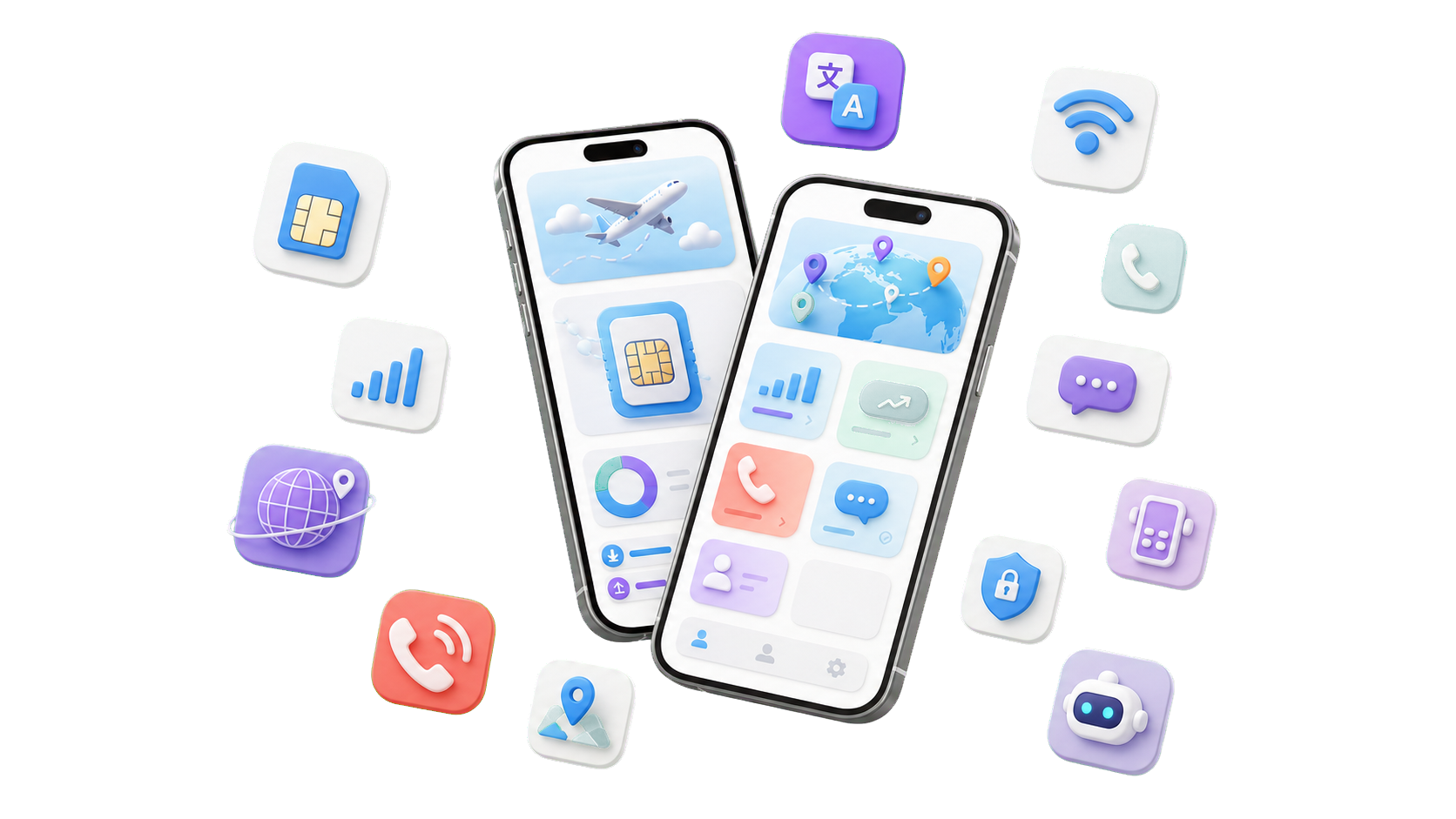

앱에서 eSIM 구매·설치
여행지 데이터 상품을 고르고 설치 안내, QR 재확인, 사용 준비까지 앱 흐름 안에서 이어갑니다.

남은 데이터 확인과 충전
체류 중 남은 사용량을 확인하고 필요한 국가와 일정에 맞춰 바로 충전합니다.

VPN과 공용 Wi-Fi 보호
공항, 호텔, 카페 Wi-Fi에서도 결제와 업무 접속을 더 안전하게 보호합니다.
App overview
앱을 열면 여행 연결 상태가 먼저 보입니다.
TripTok 앱은 데이터만 보여주는 앱이 아닙니다. 사용량, 충전, 번호, 통화, 문자, VPN, 플래너를 한 여행 화면 흐름으로 묶어 현지에서 다시 찾아 헤매는 시간을 줄입니다.
여행 eSIM 구매와 설치
국가별 데이터 상품을 고르고 앱에서 설치 상태를 확인합니다. 출국 전에 준비하고, 도착 후 바로 켤 수 있게 안내합니다.
데이터 사용량과 충전
여행 중 데이터가 부족해질 때 앱에서 남은 사용량을 확인하고 필요한 상품으로 다시 연결합니다.

해외 현지번호
예약, 인증, 배달앱, 차량 호출처럼 번호가 필요한 순간을 위해 현지 번호 기능을 앱 안에서 관리합니다.

인터넷 국제전화
데이터 연결만 있으면 호텔, 항공사, 현지 매장 연락을 앱에서 바로 이어갈 수 있도록 구성했습니다.

문자 발신·수신
인증번호, 예약 확인, 현지 안내 문자를 앱 안에서 확인하고 필요한 메시지 흐름으로 이어갑니다.
무료 VPN
공항, 호텔, 카페 Wi-Fi처럼 여행자가 자주 쓰는 공용 네트워크 환경을 고려해 보안 기능을 함께 제공합니다.

AI 여행 플래너
여행 일정과 이동 동선을 정리하고 통신 준비 상태까지 같은 여행 맥락에서 확인합니다.

번역과 현지 도구
현지 안내를 이해해야 하거나 대화가 막히는 순간, 앱 안의 도구로 빠르게 이동할 수 있게 구성했습니다.
How it works
출국 전부터 체류 중까지 앱 흐름이 이어집니다.
앱은 기능 목록이 아니라 여행 순서에 맞춘 통신 동선입니다. 준비, 도착, 체류 중 문제 해결을 같은 맥락으로 이어줍니다.

출국 전 준비
앱에서 데이터 상품 구매, eSIM 설치, VPN, 현지번호 준비를 출발 전에 끝냅니다.

도착 직후 연결
착륙 후 데이터 라인을 켜고 사용량, 연결 상태, 현지 번호를 바로 확인합니다.

체류 중 해결
전화, 문자, 번역, 플래너, 고객지원까지 현지에서 자주 여는 기능을 앱에 모았습니다.
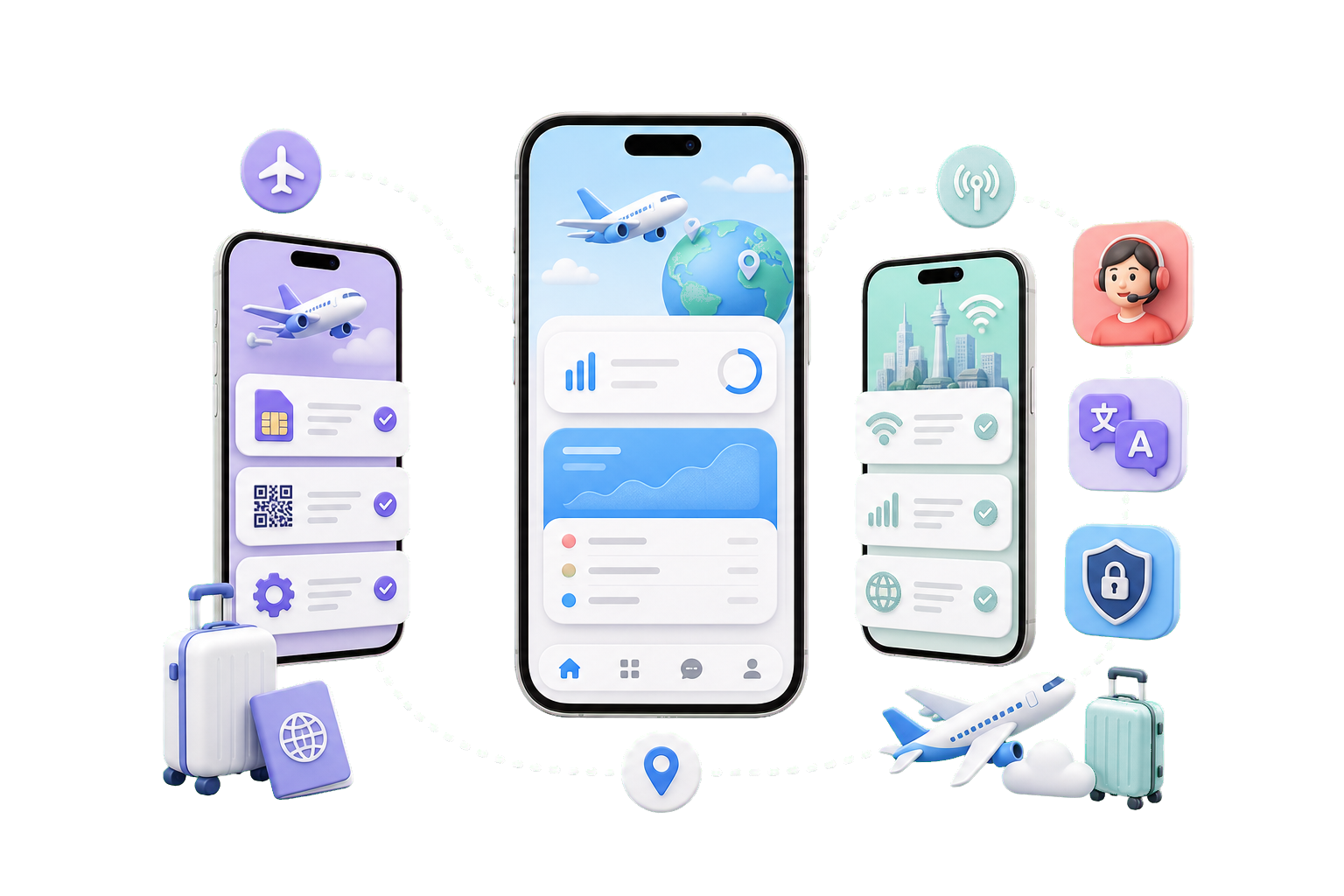
Why TripTok App
여행 통신을 쪼개지 않고 하나의 앱에서 관리합니다.
여러 앱을 오가며 데이터, 번호, VPN, 번역, 고객지원을 따로 찾는 시간을 줄입니다. TripTok 앱은 여행자가 실제로 겪는 순서에 맞춰 기능을 배치합니다.
여행자가 쓰는 순서대로
구매, 설치, 충전, 현지번호, 통화, 문자, VPN을 따로 떨어진 기능이 아니라 하나의 앱 흐름으로 배치했습니다.
현지에서 바로 쓰는 도구
언어 장벽이 생기는 순간 번역과 여행 도구로 바로 이동할 수 있게 구성했습니다.
일정과 통신을 함께 확인
AI 플래너와 통신 준비 상태를 함께 확인해 도착 후 바로 움직일 수 있게 돕습니다.

eSIM 미지원 기기까지 확장
카드형 eSIM과 연동해 기기 제약이 있는 사용자도 TripTok 앱 경험을 이어갑니다.
여행 전 TripTok 앱부터 준비하세요.
공식 앱 마켓에서 TripTok을 설치하고 데이터, 전화, 문자, 현지번호, VPN, 플래너를 앱 하나로 연결하세요. 앱 설치 전 상품을 먼저 둘러본 뒤, 구매한 상품을 앱에서 설치하고 관리할 수 있습니다.