

01
Share one connection with family or team
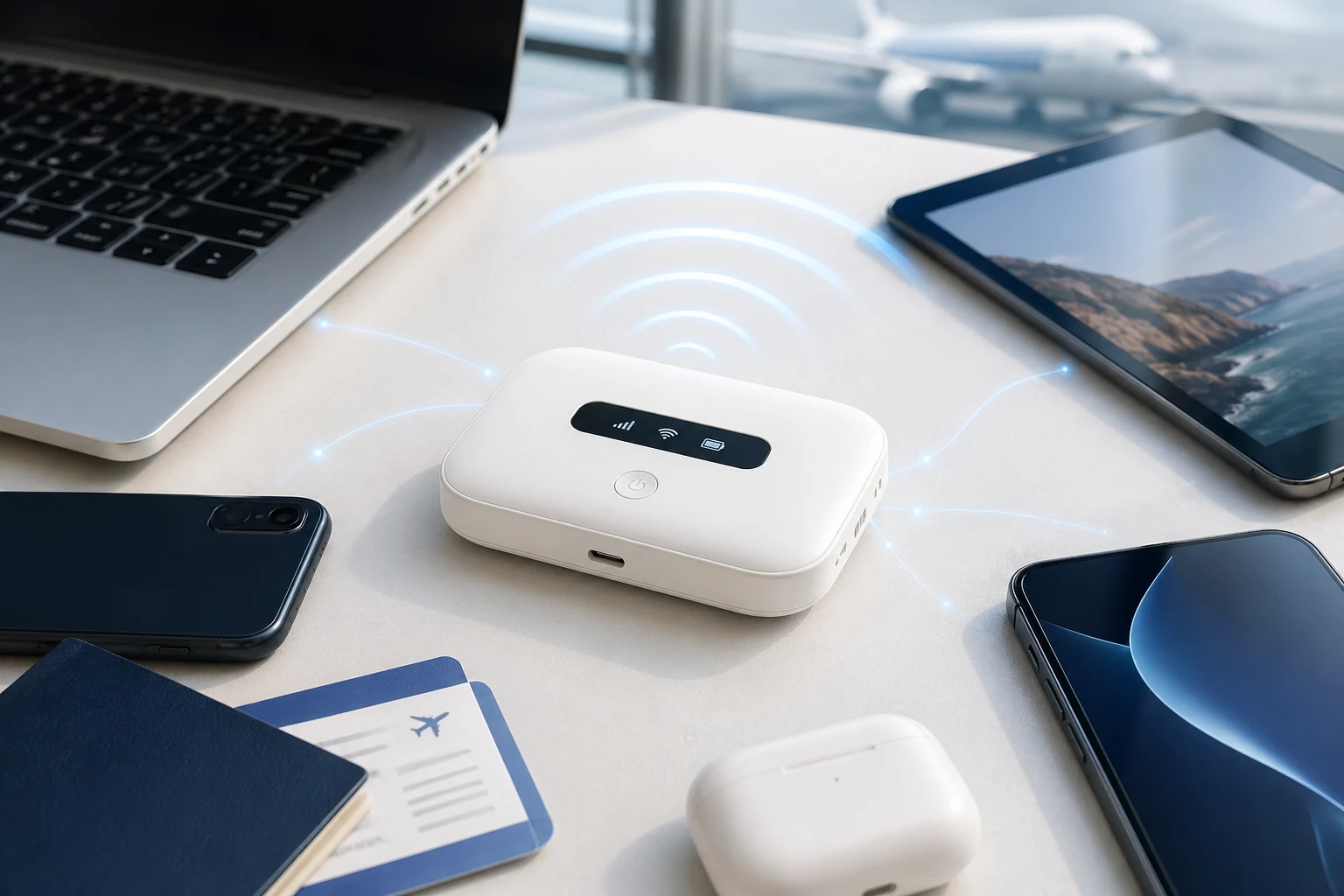
Connect phones, tablets, and laptops to the same Wi-Fi and keep everyone on the same data environment while moving.
TripTok MiFi Rental
For travel, business trips, temporary offices, and short-term housing. Connect phones and laptops through one compact MiFi for only the period you need.
Why MiFi
When eSIM alone is not enough, MiFi is a practical way to connect families, teams, laptops, and tablets through one portable Wi-Fi device.
Connect phones, tablets, and laptops to the same Wi-Fi and keep everyone on the same data environment while moving.
Phones without eSIM, Wi-Fi-only tablets, and work laptops can all connect as long as they support Wi-Fi.
Use your own portable Wi-Fi instead of hunting for open networks at cafes, hotels, and airports.
Device
Wireless
A stable wireless environment for multiple devices
Battery
Enough capacity for daily movement and outdoor schedules
Connection
Connect phones, tablets, and laptops through Wi-Fi
Portability
Small enough to carry in a bag or pouch
Long-term plan
If installation schedules, contracts, or cancellation fees are inconvenient, MiFi can be a flexible alternative for offices, field work, and temporary housing.
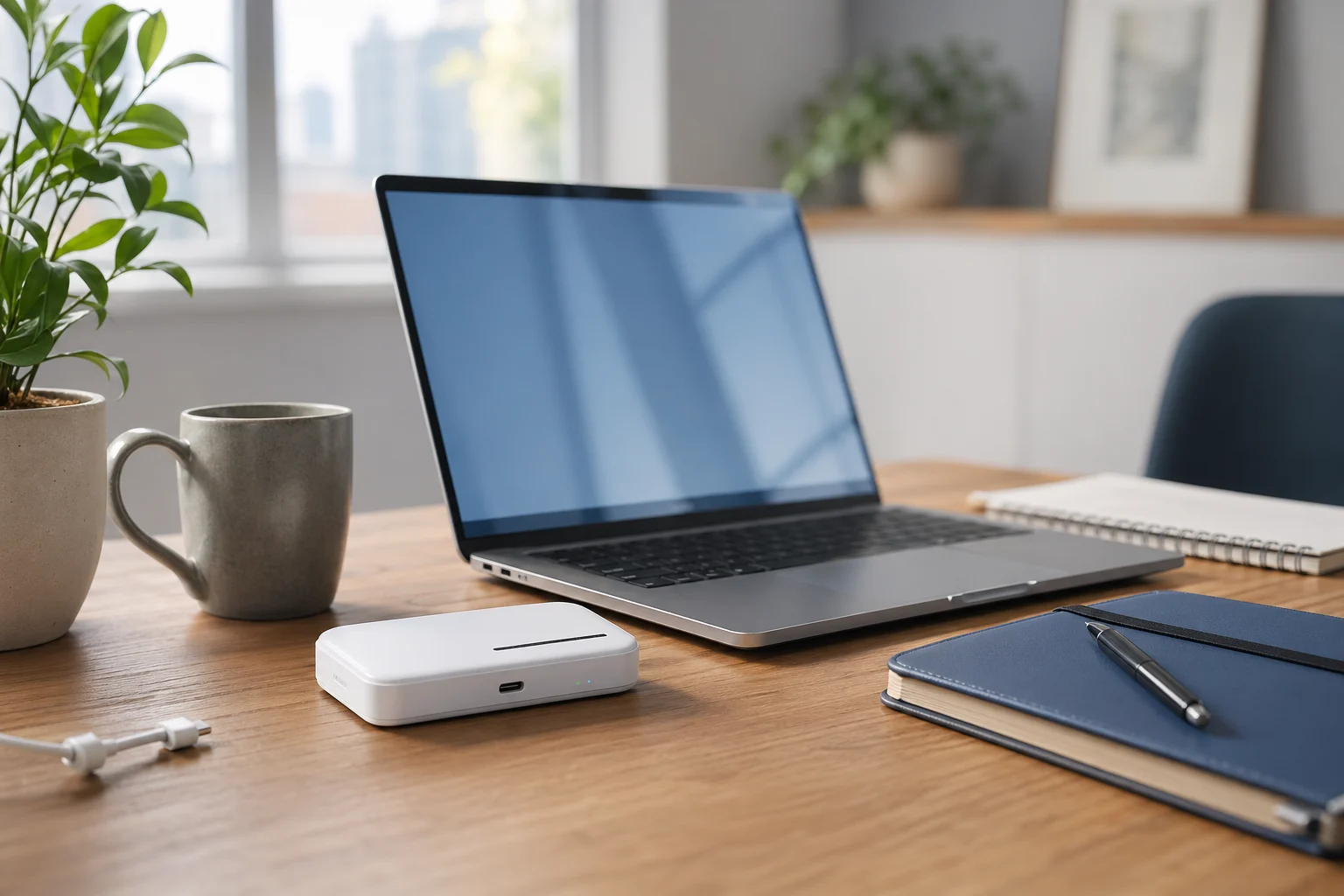
A good fit for temporary offices, pop-up stores, and project rooms where fixed-line installation is awkward.
Keep laptops and work phones connected for teams that move between sites, events, shoots, and client visits.
Useful when you need internet for a year but do not want installation fees or a long fixed-line contract.
Fill the gap for seasonal stays, temporary lodging, and moving periods where a new internet contract does not make sense.
How it works
Remember just four steps: reserve, receive, connect, and return. We organize the device and instructions around your schedule.
Tell us the country, dates, pickup method, and number of devices.
Get the device by delivery, airport pickup, or another available method before departure.
Power on the MiFi and enter the Wi-Fi name and password on your devices.
After your trip, check the kit items and return them using the guided method.
Best for
Family trips with both iPhone and Galaxy users
Business trips or workations that require laptop work
Corporate phones or older devices where eSIM installation is blocked
Schedules where you must keep your main phone number without swapping SIMs
When maps, messengers, and rideshare apps are needed right after landing
Group tours, production teams, and events that need to connect many devices
Choose the right connection
TripTok ecosystem
Whichever product you start with, you can keep managing purchases, top-ups, installation guides, and extra features in the TripTok app.
See the TripTok appInstall once and keep using it anywhere in the world by just topping up data
Insert it into the SIM slot and reuse country data profiles from the app
Rental internet that connects several devices through one portable Wi-Fi
A mobile line bundling data, a number, SMS, and VPN for your stay
Included in TripTok app
US and Canada local numbers
Get a local number in the TripTok app and use it for hotels, ride-hailing, and signing up for local services.
Send and receive SMS
Send and receive SMS in the app for booking confirmations, verification codes, and local contacts.
100 free minutes of international calls
Cover the calls you need abroad with 100 free minutes of international calling in the app.
Free unlimited VPN data
Free VPN data keeps you safer on public Wi-Fi and overseas networks.
Because Mobile itself is a bundle of a number, SMS, and VPN for your stay, the shared benefits above are shown only on the eSIM Plans, eSIM Card, and pocket Wi-Fi pages.
Rental kit
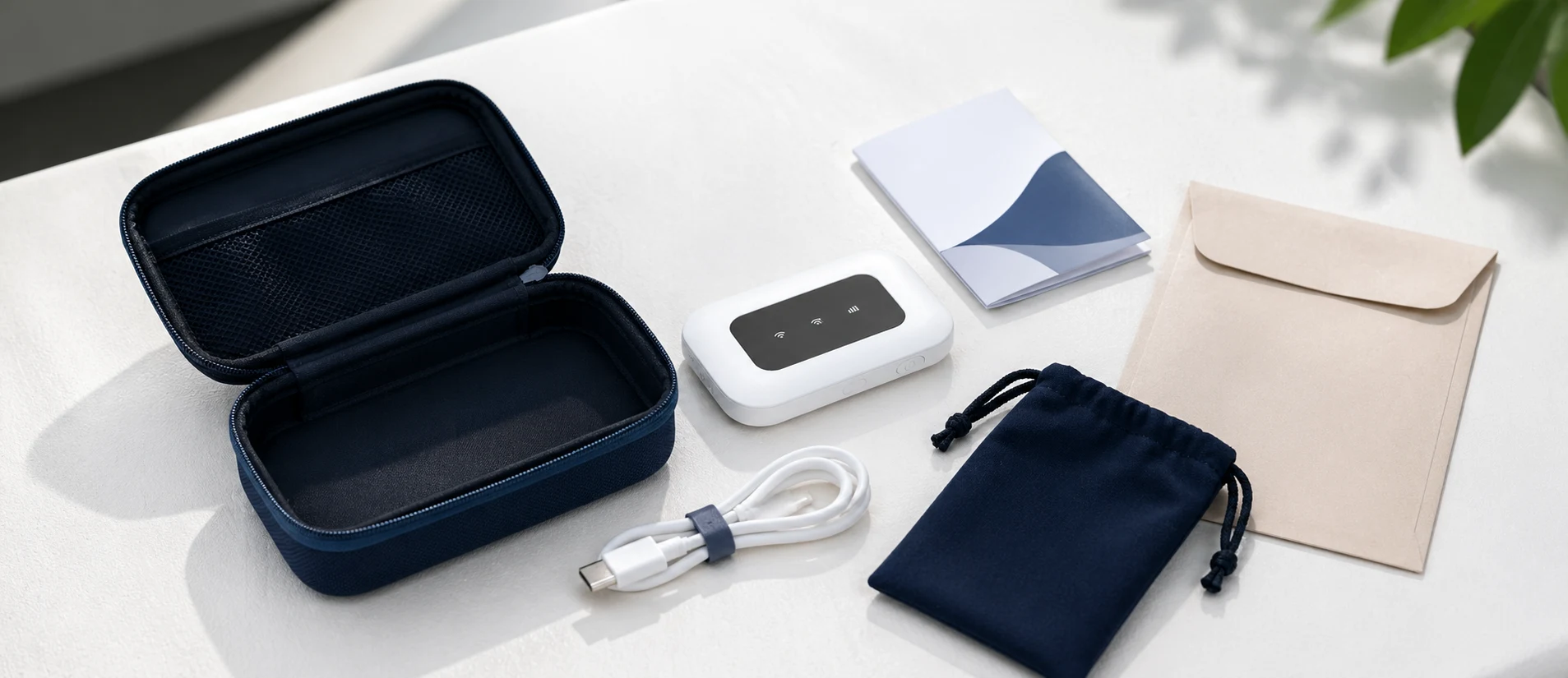
The confirmed rental includes the device model and kit items. After pickup, check power, Wi-Fi name, password, and battery status.
Connect right after landing
Support laptop work
Connect Wi-Fi devices
Charge and carry
FAQ
Speed and allowance depend on local networks, country, congestion, and rental model. We confirm the available plan and quota for your itinerary during consultation.
Pocket Wi-Fi is usually for multiple devices, but the recommended number depends on the model. Tell us how many devices you plan to use before booking.
Yes. A practical setup is to use eSIM on your personal phone and MiFi for laptops, tablets, or family devices.