


Keep my number
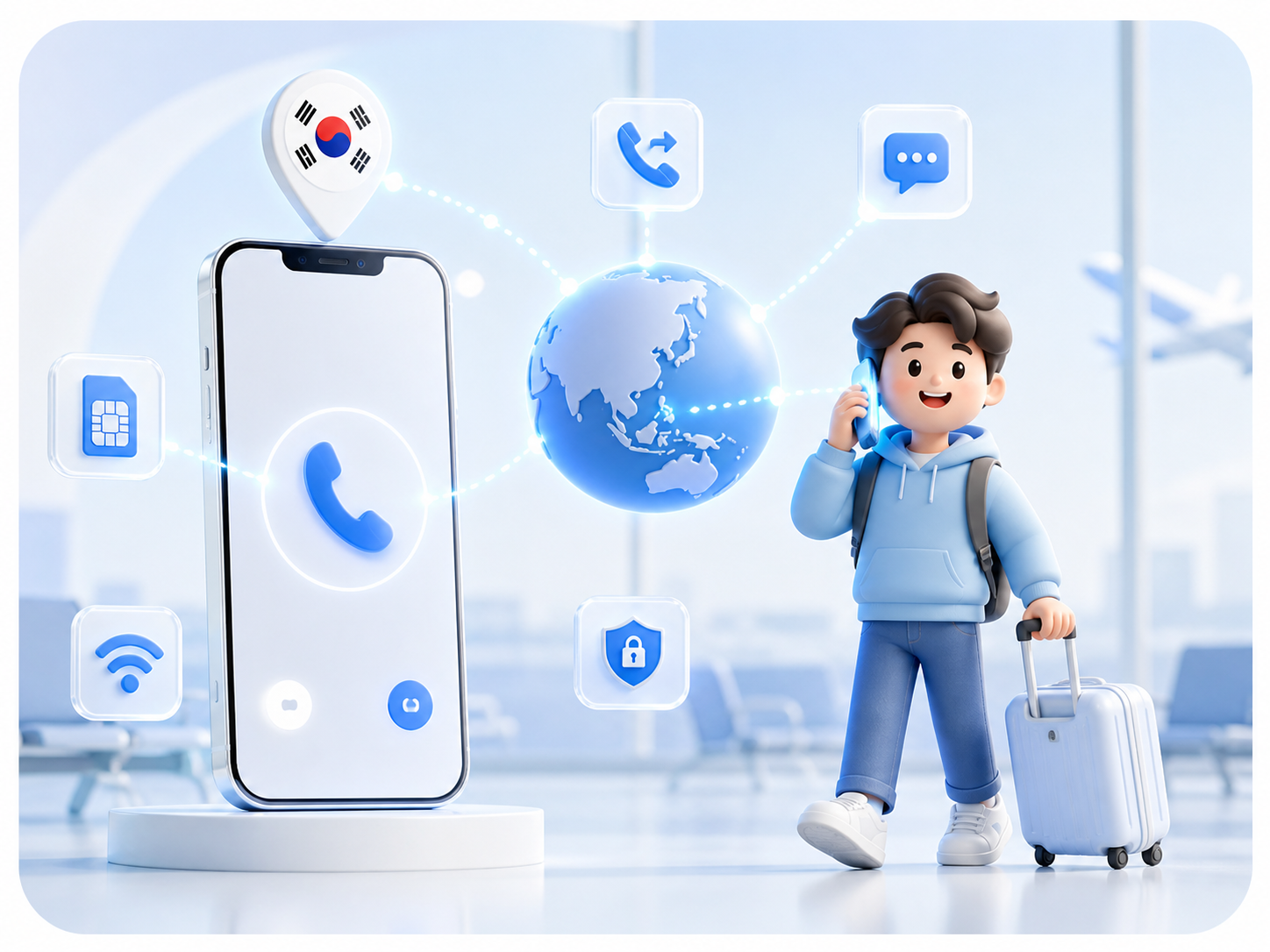
Keep important calls connected after switching to a travel eSIM or local SIM. Link an eligible TripTok number with carrier forwarding and answer in app over data.

New · Call forwarding
Link your mobile line to a TripTok receiving number. Manage calls, local numbers, and SMS in one app — over eSIM data, a travel SIM, or Wi-Fi.
Carrier setup and separate forwarding charges may apply.
Compare call forwarding, local numbers, international calls, and messaging in one place.
Local numbers
43 countries
Included free
US · Canada · Finland
Call forwarding
SKT · KT · LG U+
Paperwork
No passport or KYC
Forward calls from your mobile line to the TripTok app.
Before departure, enable forwarding with your carrier and connect a supported TripTok receiving number. Abroad, answer in the app over a stable data connection.
Stay reachable after a SIM swap
Use a travel eSIM or local SIM while keeping a path for important calls.
Receive in app over data
Use stable eSIM data, local Wi-Fi, or another reliable internet connection.
One place for calls and numbers
Review forwarded calls, outgoing calls, local numbers, and call history in TripTok.
Keep important calls connected after switching to a travel eSIM or local SIM. Link an eligible TripTok number with carrier forwarding and answer in app over data.
Prepare a destination number for hotels, restaurants, rides, and local contacts. Review voice and SMS availability for each country before checkout.
Call hotels, airlines, family, and local services directly in the TripTok app. Review the eligible caller ID and rate before placing a call.

When SMS matters, check message support on the number product first. Available features are shown by country and number type.
Before departure, enable forwarding with your carrier and connect a supported TripTok receiving number. Abroad, answer in the app over a stable data connection.
Your mobile number
The caller dials the number you already use.
Carrier forwarding
The call routes to your TripTok receiving number.
TripTok app
Answer abroad over a data connection.
Availability, eligible destination numbers, monthly fees, and forwarding charges depend on your carrier and TripTok plan. Test incoming calls before departure.
See the countries currently available for purchase.
A forwarding number and a local contact number may have different terms. Check country and receiving features in app.

TripTok number issuance does not require passport or KYC details
Voice, receiving, and SMS support varies by number and country
Call forwarding requires carrier and eligible-plan confirmation
SMS verification success depends on the external service
01
Sign in and confirm an eligible receiving number and its terms.
02
Register the TripTok receiving number through your carrier add-on.
03
Call your mobile number from another phone and confirm that TripTok rings.
Your Korean carrier add-on routes calls made to your mobile line to a supported TripTok receiving number. TripTok receives that call in app over data.
Once carrier forwarding is active, a stable internet connection is key for TripTok app receiving. Check your carrier's line-retention and text-message terms separately.
Not necessarily. Add-on fees and charges for the forwarded call leg depend on your carrier and mobile plan.
Standard voice forwarding does not usually forward SMS. Check SMS support on your TripTok local number or overseas text rules on your original carrier.
No. Banks, government services, and some 2FA providers may restrict VoIP or overseas numbers. TripTok numbers do not replace an emergency line.
Local data speed, Wi-Fi stability, the forwarding route, and the other carrier can all affect quality.
Prepare call forwarding, international calls, SMS, and local numbers in the TripTok app.
Start with TripTok