
Public Wi-Fi protection
Protect sensitive logins and payments on airport, hotel, and cafe Wi-Fi.
TripTok VPN
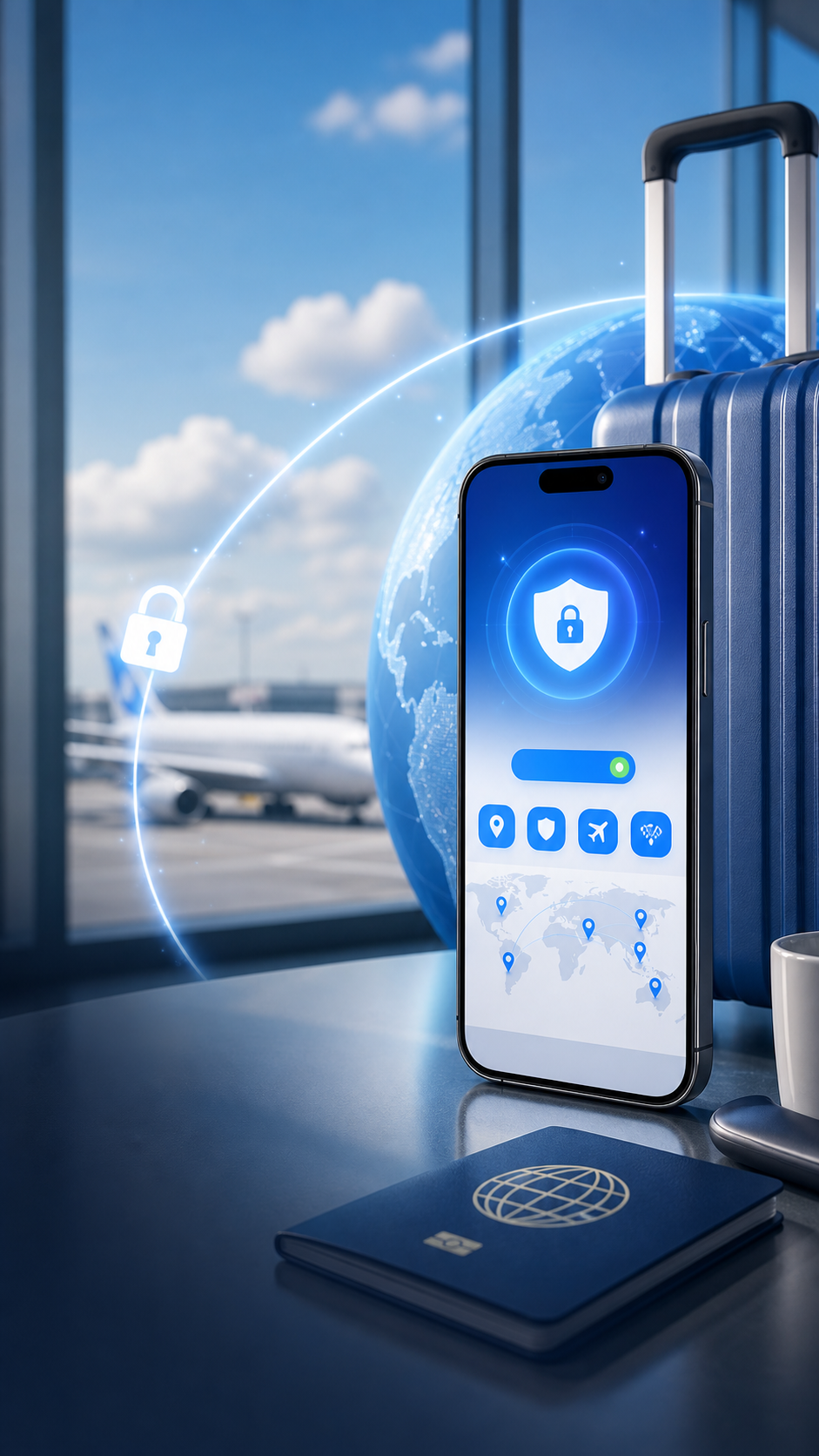
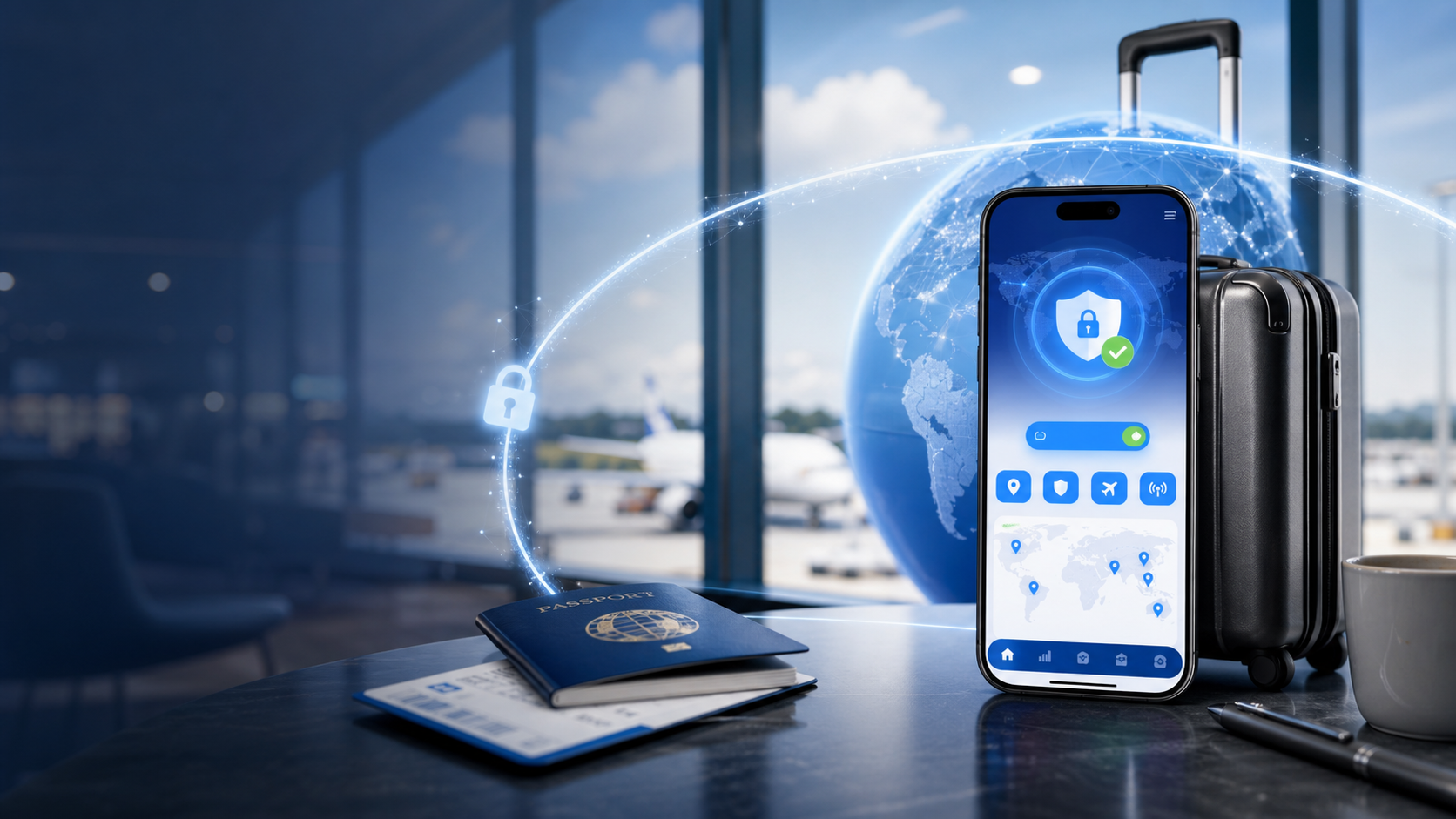
TripTok VPN helps protect public Wi-Fi, maps, messaging, payment apps, and work access while you travel abroad.
Built around the moments when travelers need security
Use safer connections on unfamiliar networks at airports, hotels, cafes, malls, and shared spaces.
One careless tap abroad should not expose payment data
Travelers often open roaming texts, booking emails, taxi links, and hotel links. TripTok VPN helps reduce unnecessary exposure and risky access in those moments.
Unlimited
Free VPN data
190+
With travel data
Public Wi-Fi
Login and payment protection
1 App
eSIM and VPN management
TripTok VPN is positioned not only as IP masking, but also as a cleaner, safer layer against harmful sites, phishing links, ads, trackers, and risky public networks.
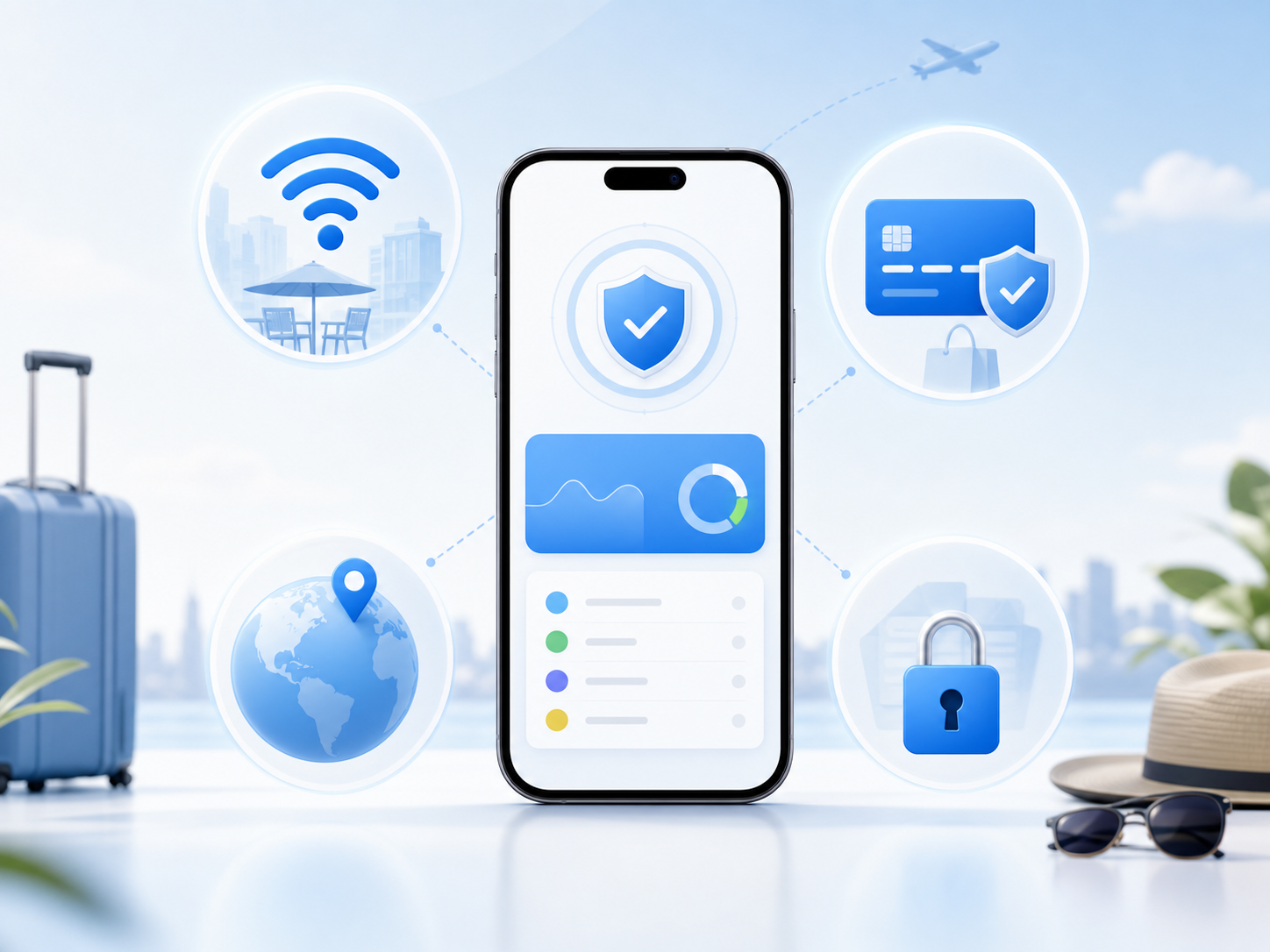
TripTok VPN helps protect public Wi-Fi, maps, messaging, payment apps, and work access while you travel abroad.
Protect sensitive logins and payments on airport, hotel, and cafe Wi-Fi.
Manage access to essential apps and websites across changing travel network conditions.
Turn on a secure connection before card payments, banking, reservations, and account logins.
Track eSIM setup, data top-ups, auto top-up, local number benefits, and VPN status together.
Manage eSIM setup, data top-ups, and secure connections in the TripTok app.
TripTok VPN is positioned not only as IP masking, but also as a cleaner, safer layer against harmful sites, phishing links, ads, trackers, and risky public networks.
Reduce unwanted access to adult or harmful content on family trips, business devices, and shared tablets.
Lower the chance of opening fake payment pages, fake banking logins, or booking impersonation links from messages.
Reduce excessive ads and tracking scripts for lighter browsing on unfamiliar websites.
Handle sensitive access more safely on airport, hotel, and cafe Wi-Fi networks you cannot fully trust.
Travelers often open roaming texts, booking emails, taxi links, and hotel links. TripTok VPN helps reduce unnecessary exposure and risky access in those moments.
Checking messages and email on airport or hotel Wi-Fi
Logging in to banking, payment, or booking services abroad
Opening work accounts, documents, and collaboration tools
Managing travel data and security in one app
TripTok app benefits include free unlimited VPN data for eSIM Plans, eSIM Card, and MiFi products, excluding Mobile.
TripTok guides VPN benefits together with your data product in the app, reducing the need to manage multiple tools while traveling.
It is designed for secure connections on overseas networks and public Wi-Fi. Actual access quality may vary by local network policies and service conditions.
This VPN page presents adult and harmful site blocking, phishing link blocking, and ad or tracker blocking as security features. Actual coverage may vary by country, network, app version, and policy updates.
Manage eSIM setup, data top-ups, and secure connections in the TripTok app.