

01
Simple like a SIM card
Insert the card into your phone and write a profile to use it as a separate data line.
TripTok eSIM Card
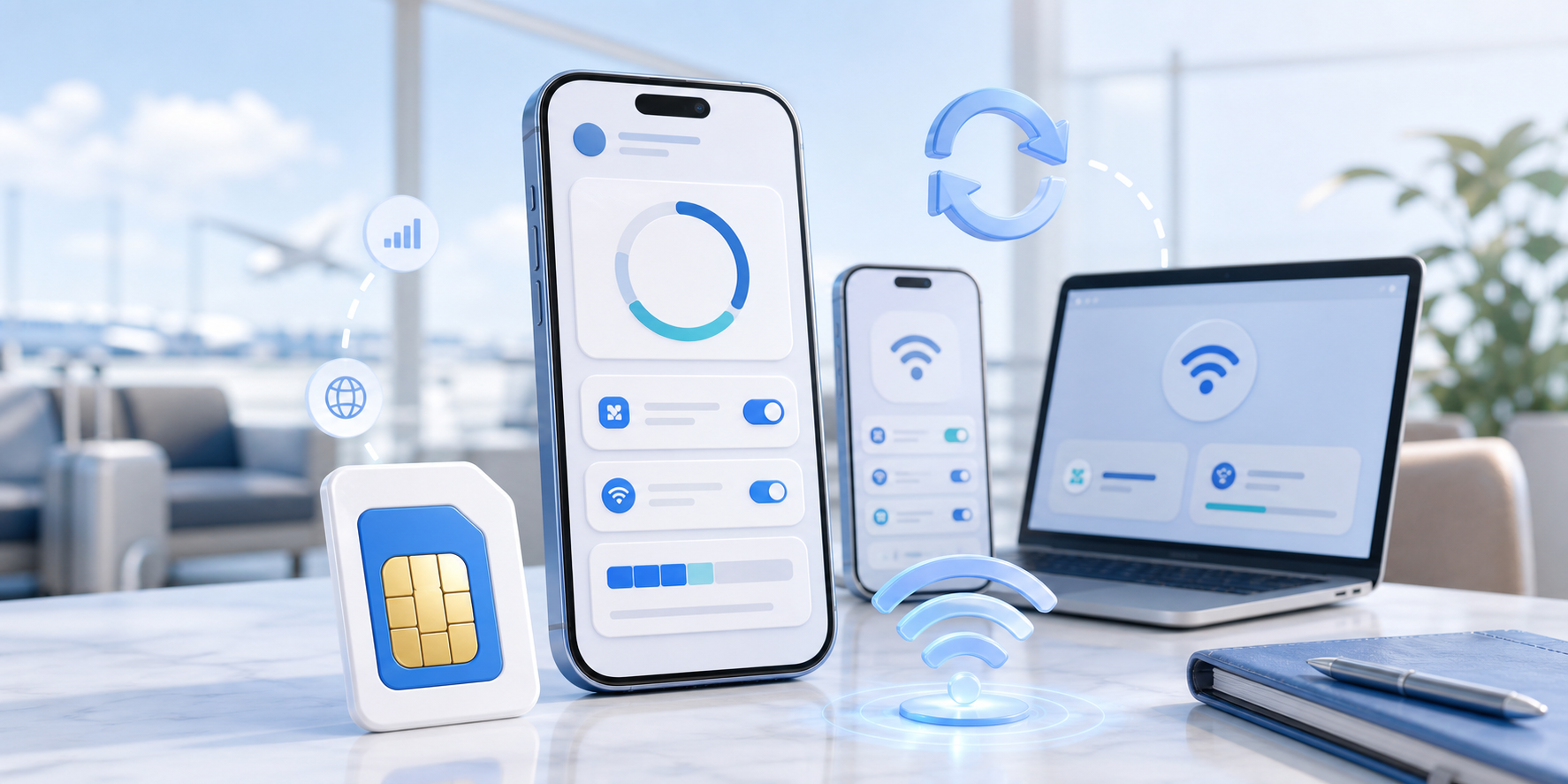
Insert the TripTok eSIM Card into your phone, write downloadable eSIM profiles to it, and use it like a rechargeable data line. Travel is only one use case: top up for business trips, long stays, backup internet, and shared devices.
1 Card
Reusable across needs
App Top-up
Recharge in TripTok
190+
Country data plans
What it is
The eSIM Card is a rechargeable connectivity card that can store and rewrite eSIM profiles. Travel is just one scenario: use TripTok data plans through a SIM slot for non-eSIM phones, business backup lines, long stays, and shared hotspot setups.
Insert the card into your phone and write a profile to use it as a separate data line.
Download the right profile for your destination or stay purpose, then replace it for the next itinerary.
Instead of buying disposable SIMs, recharge and rewrite the card for recurring business trips, long stays, and shared devices.
TripTok app
Choose a country data plan, check remaining data, and top up when needed. Turn on auto-recharge guidance so your next data refill is ready before your connection drops.
Choose country and duration
APP FLOW 01
Check remaining data and expiry
APP FLOW 02
Top up instantly in the app
APP FLOW 03
Set low-data auto-recharge
APP FLOW 04
Follow profile rewrite guidance
APP FLOW 05
Auto recharge
Set a low-data threshold and TripTok guides the next top-up flow before you lose connection. It is useful for long transfers, video calls, maps, and work sessions.
Low-data alerts
Fast refill for favorite country plans
Continue on the same card after payment
Reuse it again for the next itinerary
Use cases
If the phone has a compatible SIM slot, the eSIM Card can work as a data line. Use hotspot for laptops and tablets, keep it ready for business trips, long stays, or backup internet.
A practical option when your phone cannot install an eSIM directly but can use a compatible SIM-slot card.
Put the card in a spare phone, enable tethering, and connect laptops, tablets, or family devices.
Keep a charged data line ready when cafe Wi-Fi, hotel Wi-Fi, or office internet becomes unstable.
Keep your primary SIM in place and separate authentication messages from travel data.
Recharge the data you need on one card while your itinerary changes.
Use it as a spare data line when roaming fails or your main data allowance runs out.
How it works
Order your TripTok eSIM Card before departure.
Place it in the SIM slot and check compatibility.
Write the destination eSIM profile through the TripTok app.
Recharge data in the app and keep using the same card.
TripTok ecosystem
Hangi üründen başlarsanız başlayın; satın alımları, veri yüklemeyi, kurulum rehberlerini ve ek özellikleri TripTok uygulamasında yönetmeye devam edebilirsiniz.
TripTok uygulamasını görBir kez kurun, yalnızca veri yükleyerek dünyanın her yerinde kullanmaya devam edin
SIM yuvasına takın, ülke veri profillerini uygulamadan yeniden kullanın
Birden fazla cihazı tek taşınabilir Wi-Fi ile bağlayan kiralık internet
Konaklamanız için veri, numara, SMS ve VPN'i bir araya getiren mobil hat
Included in TripTok app
ABD ve Kanada yerel numaraları
TripTok uygulamasından yerel numara alın; otellerde, araç çağırmada ve yerel hizmetlere kayıtta kullanın.
SMS gönderme ve alma
Rezervasyon onayları, doğrulama kodları ve yerel iletişim için SMS'leri uygulamada gönderip alın.
100 dakika ücretsiz uluslararası arama
Uygulamadaki 100 dakika ücretsiz uluslararası aramayla yurt dışında ihtiyacınız olan görüşmeleri yapın.
Ücretsiz sınırsız VPN verisi
Halka açık Wi-Fi'larda ve yurt dışı ağlarda daha güvenli olmanız için ücretsiz VPN verisi.
Mobile zaten konaklama için numara, SMS ve VPN paketinden oluştuğundan yukarıdaki ortak avantajlar yalnızca eSIM Plans, eSIM Card ve cep Wi-Fi'ı sayfalarında gösterilir.
Why choose it
Pick the plan you need in the app instead of buying a new local SIM every time.
Rewrite compatible eSIM profiles for business trips, long stays, and family travel.
Use a separate data line without removing or losing your primary SIM.
Prepare the card and app before departure so maps and messengers work after arrival.
Compare
Card features
Form
Physical SIM
Profile
Reusable eSIM
Top-up
TripTok App
Coverage
Global plans
FAQ
It has the form of a physical SIM card, but it is designed to write eSIM profiles to the card. For a new destination, prepare a new plan and profile in TripTok.
You need a SIM slot and a compatible device for the card writing flow. Check the supported-device guide before purchase, especially for carrier-locked or managed phones.
Use the TripTok app or the TripTok web My Data/top-up flow to select destination data. Remaining data and expiry guidance are shown in the service flow.
In many dual-SIM setups, yes. You can keep your primary SIM and use the eSIM Card for data, depending on your phone model and slot configuration.
The goal is repeated use as long as the card, device, and local network conditions remain compatible. Physical damage, device policy, or local carrier rules may affect availability.
Prepare the card once, then recharge the data you need for each itinerary, stay, or backup use case in the TripTok app.